
Presets for 96 devices
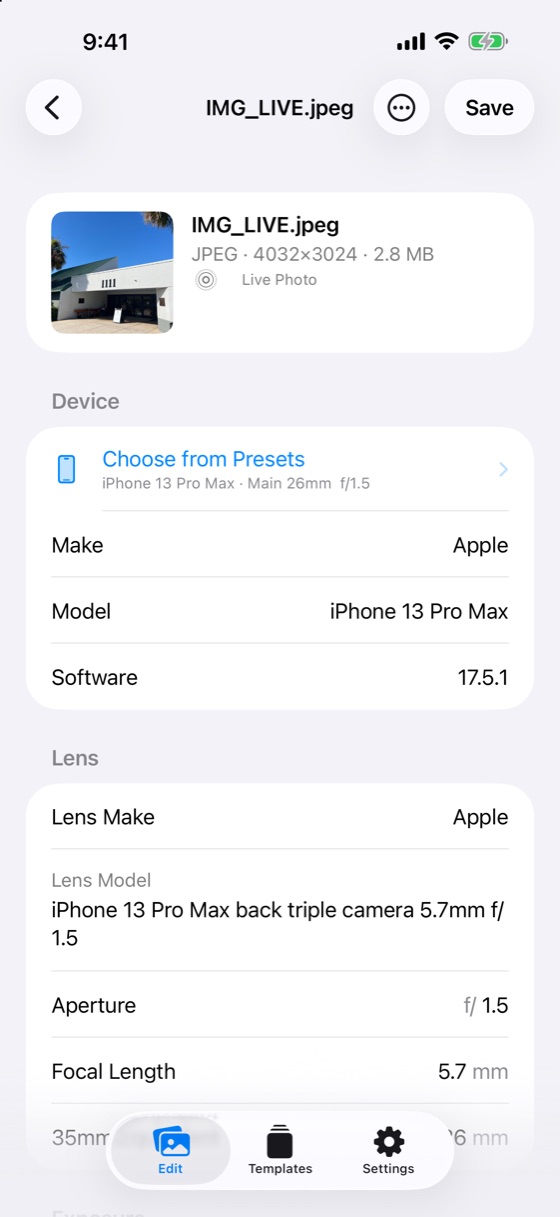
From iPhone 4 to the latest models, and iPad 2 to the newest iPads — every ultra wide, main, telephoto and front camera. Pick one and the make, model, lens model, aperture and focal length fill in for you.
PHOTO METADATA, REIMAGINED

Change the device, lens, aperture, shutter speed, date and place. Presets for 96 Apple devices, lossless metadata editing, with no account required.

Everything you need to get a photo’s metadata right.
From iPhone 4 to the latest models, and iPad 2 to the newest iPads — every ultra wide, main, telephoto and front camera. Pick one and the make, model, lens model, aperture and focal length fill in for you.
Only the metadata is rewritten. Image data is untouched, so quality is identical. JPEG, HEIC and PNG are supported.
The video is saved alongside the photo, and its date, location and device info are updated to match.
Tap the map, search a place, use your current location, or type coordinates. In mainland China the map/GPS coordinate offset is handled automatically.
Up to 100 photos at once. Swipe sideways to select quickly, and shift dates together so the original order is kept.
Edit locally without an account. We operate no photo upload service and include no ads or third-party trackers.
Real screenshots, in light and dark mode. Swipe on mobile to explore; tap to enlarge.
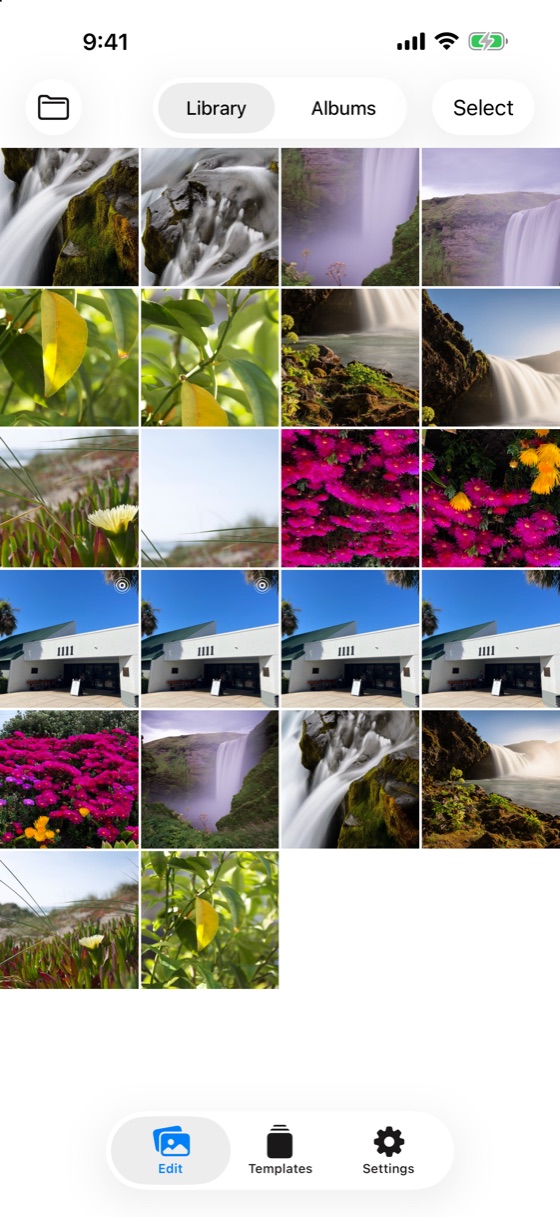
Your whole photo library and albums, right in the app
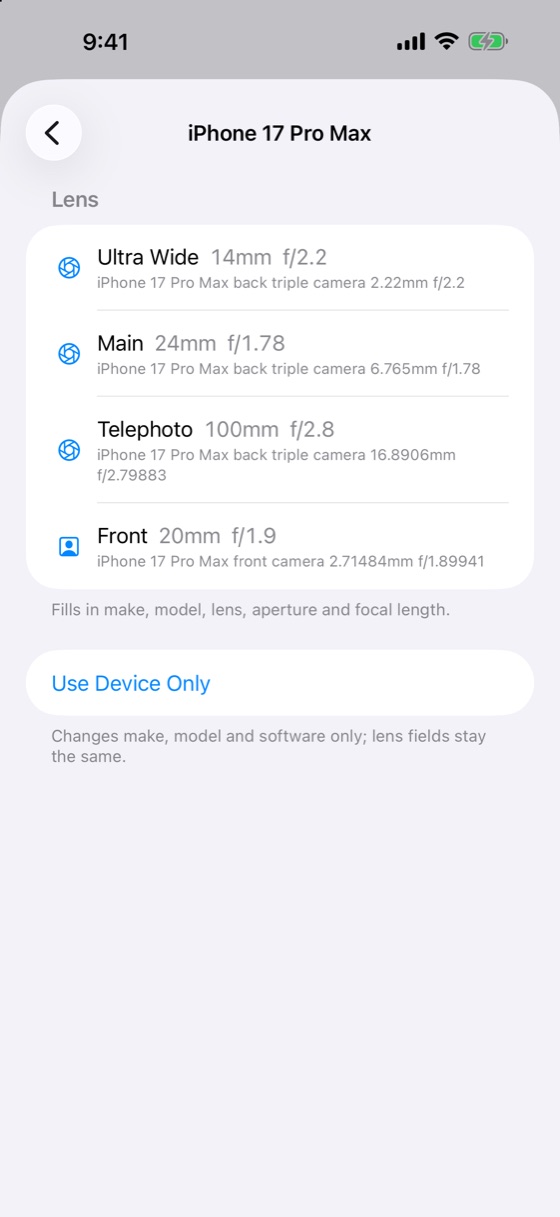
Values taken from real photos’ EXIF
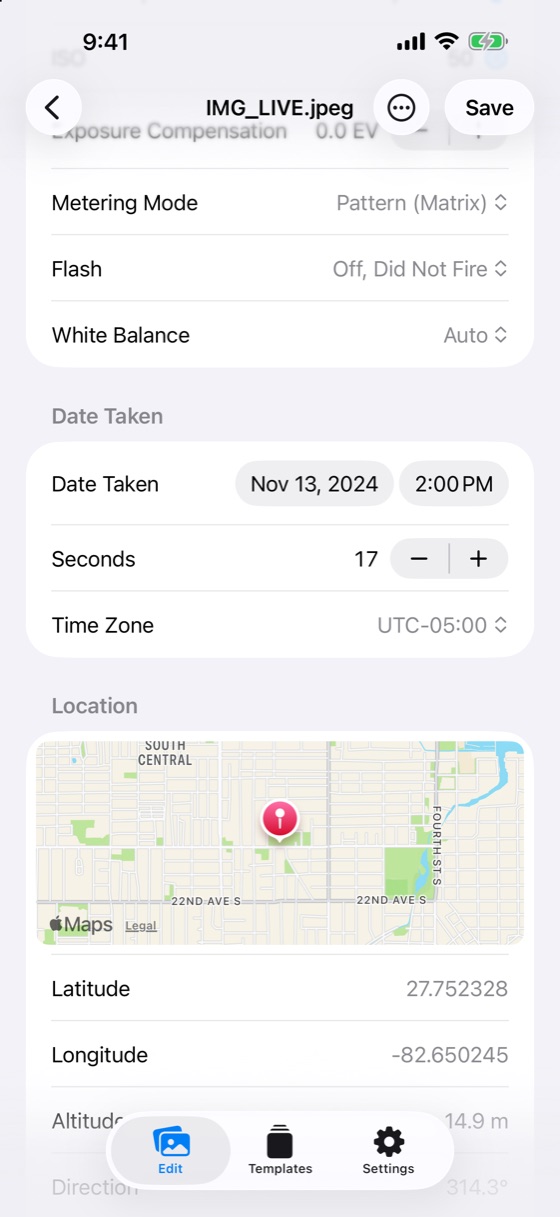
Down to the second, with a map picker
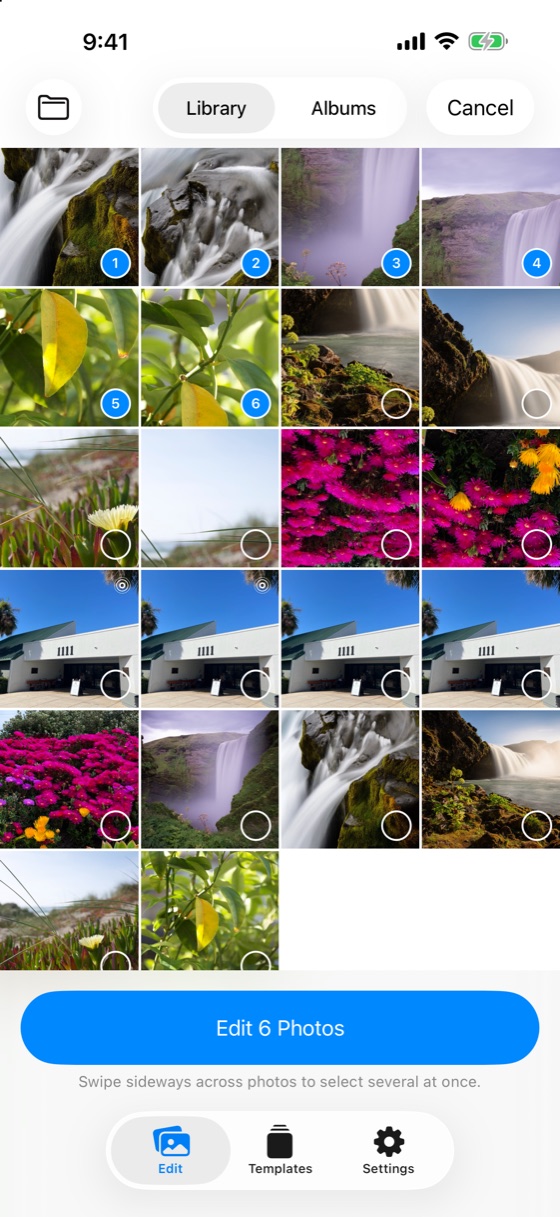
Edit up to 100 photos at once
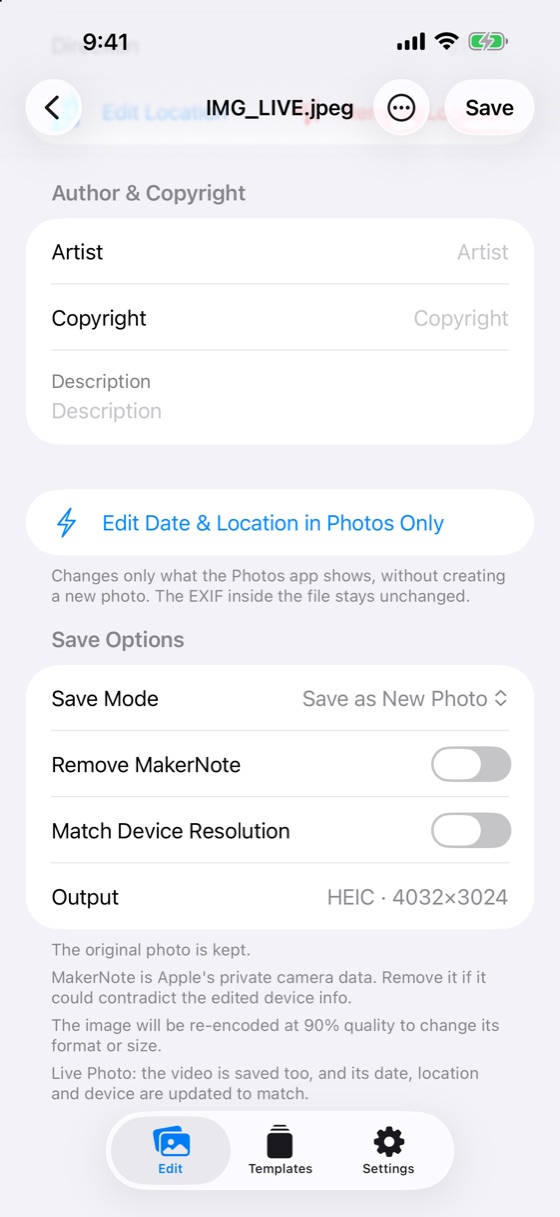
See the output format and size before saving
Shutter, ISO, compensation, metering, flash, white balance
More room for every detail. The same familiar tools, on iPhone and iPad.

Focal lengths, apertures and lens model strings are primarily sourced from the EXIF of real photos taken with those devices, including the exact wording of each lens model. A few brand-new models and some iPad front cameras have no public original sample yet; those values are derived from published specs and are clearly marked “Estimated” inside the app, so you always know what is measured and what is not.
For iPhone and iPad. See the App Store for current pricing.